
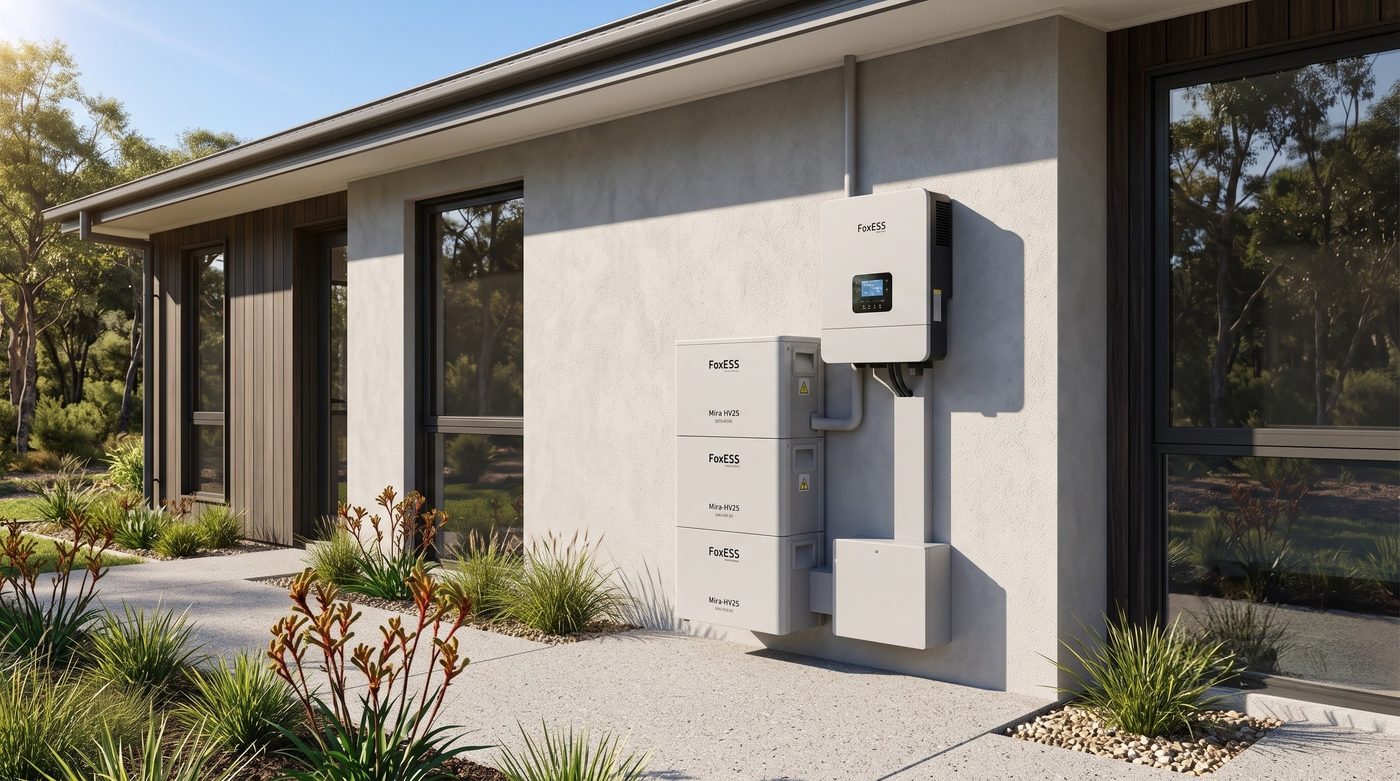
A FoxESS system is capable hardware. Automating it against a wholesale plan has been the hard part: rate limits, dropped connections, and automations that fail at the moment the spot price spikes.
Gridkeeper now integrates with FoxESS natively. The cloud API instability is handled in the connection, so FoxESS owners can automate without writing code.
What the FoxESS API has been like
- Strict rate limits. Ask for updates too often and the cloud platform locks you out.
- Vanishing API keys. Keys reset and carefully built automations stop.
- Modbus as the workaround. The reliable path used to be a local Modbus cable, which most households will not do.
Gridkeeper’s bridge is cloud to cloud. You do not run a local server or maintain YAML. Once the FoxESS account is linked, the same automations cover Amber Electric, Localvolts and GloBird Wholesave: force-charge on negative prices, tier battery discharge when wholesale prices spike, and stop export when the feed-in tariff goes below zero.

The 45-second catch
To stay inside FoxESS rate limits, a Gridkeeper command can take at least 45 seconds to execute on the inverter. If the wholesale price hits 50c/kWh, the command is sent immediately and the FoxESS cloud may take up to 45 seconds to discharge.
AEMO spot intervals are five minutes. Missing the first 45 seconds of a window does not decide the day. A free-time window from 11am to 2pm is unaffected by a 45-second start. We chose that latency over aggressive polling that can get an account restricted.

Connect FoxESS in three steps
- In the FoxESS web portal, open your user avatar and choose User Profile.
- On the User tab, under User Type: Enduser, find Bind with Installer/Agent. Enter agent ID A697AE3C and confirm.
- Open Device, then Inverter, and copy the inverter serial number into Gridkeeper. The hardware then shows under Discovered Devices.


Gridkeeper is free to start for home users.